Earlier this year, a frantic call from a business owner in San Francisco jolted me into action early one morning. She had just discovered that her Google Business Profile was inundated with a series of fake reviews overnight. This wasn't the first time I'd encountered such a scenario far from it. From my experience working with hundreds of businesses, I've seen how damaging an onslaught of illegitimate reviews can be. Such attacks, often orchestrated by competitors or disgruntled individuals, can severely tarnish a business's reputation, skew public perception, and ultimately affect sales.
For any business owner, dealing with multiple fake Google reviews can feel overwhelming. The stakes are high, and the process of addressing these reviews is not as straightforward as one might hope. Understanding Google's policies and navigating the review removal process requires both patience and precision. Over the last decade, our reputation management experts have helped over 500 businesses recover their online reputations by strategically addressing such issues.
In this comprehensive guide, you'll learn how to report multiple fake Google reviews effectively. We will delve into the specifics of Google's Prohibited and Restricted Content policies, outline the steps necessary to flag these reviews, and discuss alternative strategies when traditional methods fall short. By the end of this article, you'll have the knowledge and strategies needed to protect your business from the detrimental impact of fake reviews.
Stay with me as we unravel the complexities behind this critical aspect of online reputation management.
Understanding Google's Review Policies
Before diving into the process of reporting multiple fake Google reviews, it's crucial to comprehend the framework Google operates within. Google's policies, particularly the Prohibited and Restricted Content policy, provide a clear outline of what constitutes a violation in the review ecosystem. This policy prohibits content that is misleading, off-topic, or includes conflicts of interest, among other restrictions.
Google's emphasis on authentic feedback is not just about maintaining transparency; it's about ensuring that businesses are reviewed based on genuine customer experiences. According to a Better Business Bureau report, consumers place significant trust in online reviews, with 94% reporting that a single negative review has convinced them to avoid a business. This underscores the importance of accurate and fair reviews.
However, while Google's guidelines are comprehensive, enforcing them can be challenging due to the sheer volume of reviews submitted daily. Therefore, understanding these policies is the first step in effectively reporting and removing those reviews that violate them.
For a deeper understanding, you might want to explore our detailed breakdown in the article, "Google Review Removal Policy Explained: What Gets Deleted".
Google Maps search results showing local business ratings - How to Report Multiple Fake Google Reviews at Once
Identifying Fake Reviews: Red Flags and Common Patterns
Identifying fake reviews is a skill that requires a keen eye. From my experience, certain red flags often indicate fraudulent content. These include reviews that are overly positive or negative without substantial details, a sudden influx of reviews over a short period, or profiles that have only left one review.
Consider a scenario I encountered with a software company. Over the span of a weekend, they received a barrage of one-star reviews, all with similar wording but from different accounts. After a closer look, we discovered that these reviews came from newly created profiles with no review history. These patterns are indicative of a coordinated attack.
Spotting these patterns is vital for building a compelling case when reporting to Google. You'll need to demonstrate the suspicious nature of the reviews by highlighting inconsistencies and connections between them.
Steps to Report Multiple Fake Google Reviews
Once you've identified reviews that you suspect are fake, the next step is to report them to Google. Here’s a step-by-step guide on how to do it:
-
Gather Evidence: Document each review you suspect is fake. Take screenshots and note details like the date of posting, the reviewer’s profile, and any similarities in the wording or timing of the reviews.
-
Use Google’s Flagging Feature: Navigate to your Google Business Profile, find the review in question, and click on the flag icon. This feature allows you to report the review directly to Google for violating their content policy.
-
Submit a Formal Complaint: If flagging doesn’t yield results, submit a formal complaint through the Google Business support page. Provide detailed evidence and explain why each review violates Google's policies.
-
Engage with Google Support: Sometimes direct communication with Google support can expedite the process. Use the support chat or request a callback for more immediate assistance.
It's important to remain patient throughout the process as Google reviews each case individually, which can take time. For more information on the timelines involved, check out our article, "How Long Does It Take Google to Remove a Review in 2026?".
When Traditional Methods Aren’t Enough: Alternative Strategies
In some instances, traditional reporting methods may not be sufficient. This is where alternative strategies come into play. One effective approach is to encourage genuine reviews from satisfied customers to dilute the impact of fake ones. This not only helps in balancing your review profile but also showcases your business's commitment to customer satisfaction.
Additionally, legal action can be considered if the reviews are defamatory and cause significant business harm. However, this route should be taken cautiously and typically as a last resort, given the time and financial resources involved.
Another strategy is utilizing a Google Reviews Management Tool, which offers automated monitoring and flagging capabilities, providing a more proactive approach to managing your reputation.
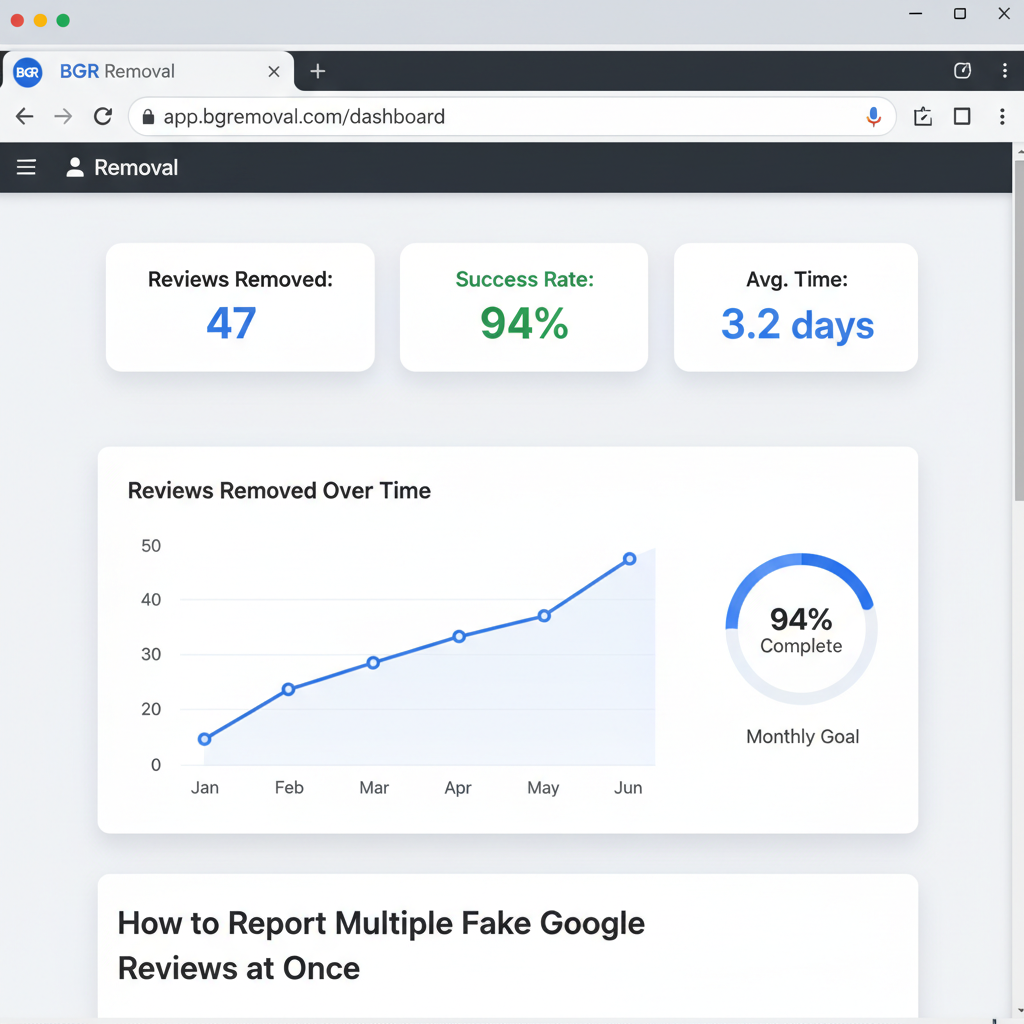
Dashboard showing review removal results and success metrics - How to Report Multiple Fake Google Reviews at Once
Preventing Future Attacks: Building a Robust Defense
Prevention is always better than cure. To safeguard against future attacks, consider implementing a proactive reputation management strategy. This includes regularly monitoring your reviews, encouraging happy customers to leave positive feedback, and responding promptly to all reviews to show that you value customer input.
Training your team on how to identify and report fake reviews can also be a powerful deterrent. A well-informed team can act quickly to address issues before they escalate, maintaining your business's integrity online.
Incorporating these practices into your business operations will not only help prevent future issues but also enhance your overall online presence, contributing positively to your local SEO efforts.
Conclusion: Taking Control of Your Online Narrative
Dealing with multiple fake Google reviews is undoubtedly a daunting task, but with the right approach, it is manageable. By understanding Google's policies, identifying fake reviews, and using the appropriate channels to report them, you can defend your business's reputation effectively. Moreover, by employing proactive strategies, you can mitigate the risk of future attacks and maintain a positive online presence.
As you navigate this complex landscape, remember that you are not alone. Our team is here to help with fake review removal and offer guidance tailored to your specific needs. Reach out for a free consultation and take the first step towards reclaiming your business's reputation.
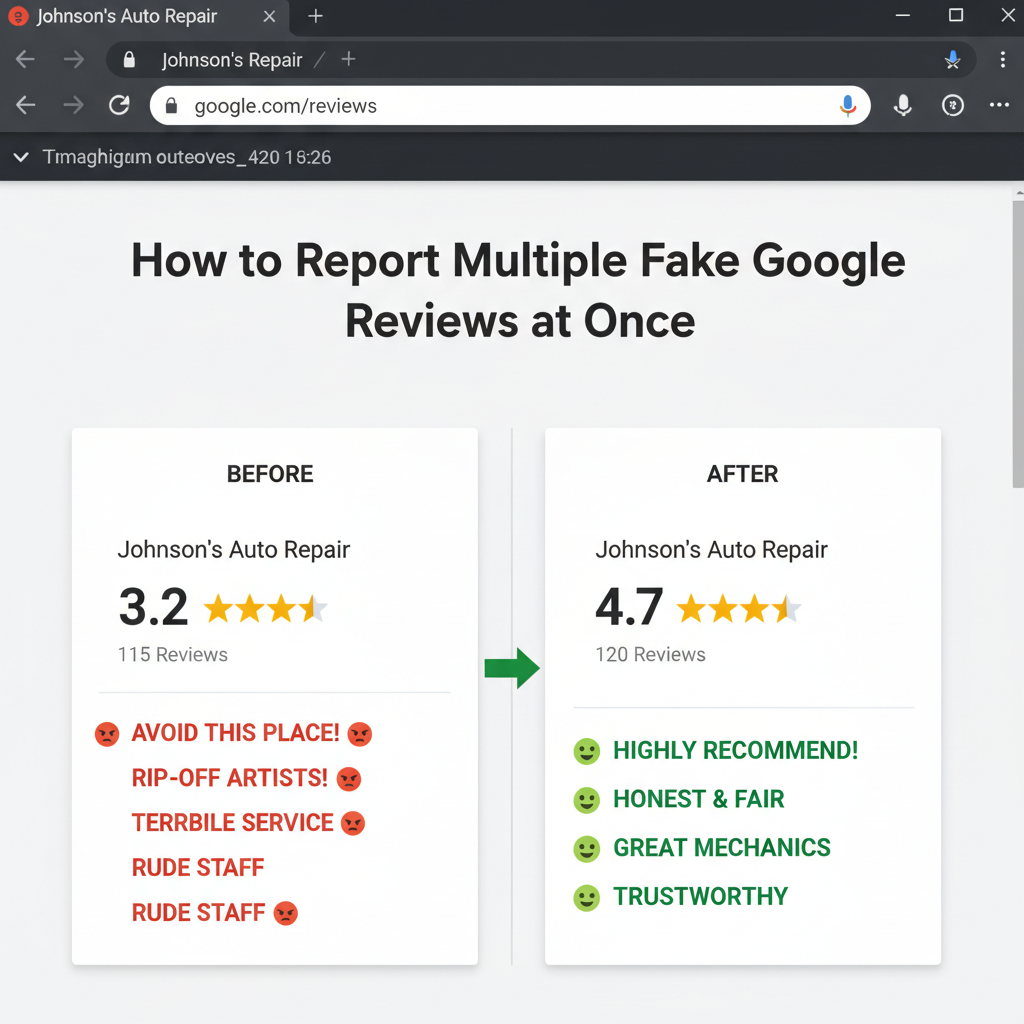
Before and after comparison showing improved business ratings - How to Report Multiple Fake Google Reviews at Once
Frequently Asked Questions
How long does it take for Google to review a flagged comment?
Typically, Google's review process for a flagged comment can take anywhere from a few days to a couple of weeks, depending on their current workload and the complexity of the case.
Can I remove fake reviews on my own?
While you can flag and report fake reviews on your own, the process might require persistence and patience. In some cases, professional assistance can expedite the process and ensure a thorough approach.
What if Google doesn't remove the fake reviews?
If Google doesn't remove the fake reviews after flagging them, consider reaching out to their support for further clarification. Alternatively, seek expert advice for additional strategies.
How can I encourage more positive reviews from genuine customers?
Encourage satisfied customers to leave reviews by making the process easy—use links in follow-up emails, offer incentives, or simply ask during checkout or service completion.
What legal actions can I take against fake reviews?
If fake reviews are defamatory and harm your business, legal action may be an option. However, consult with a legal expert to understand the implications and potential outcomes before proceeding.